 MyGearTracker
Out now
See open loans, filter overdue, and jump to return.
Out now is the list of open loans on this device—who has what, and what is overdue. Open it from the menu or from the Out now / Overdue counts on Home.
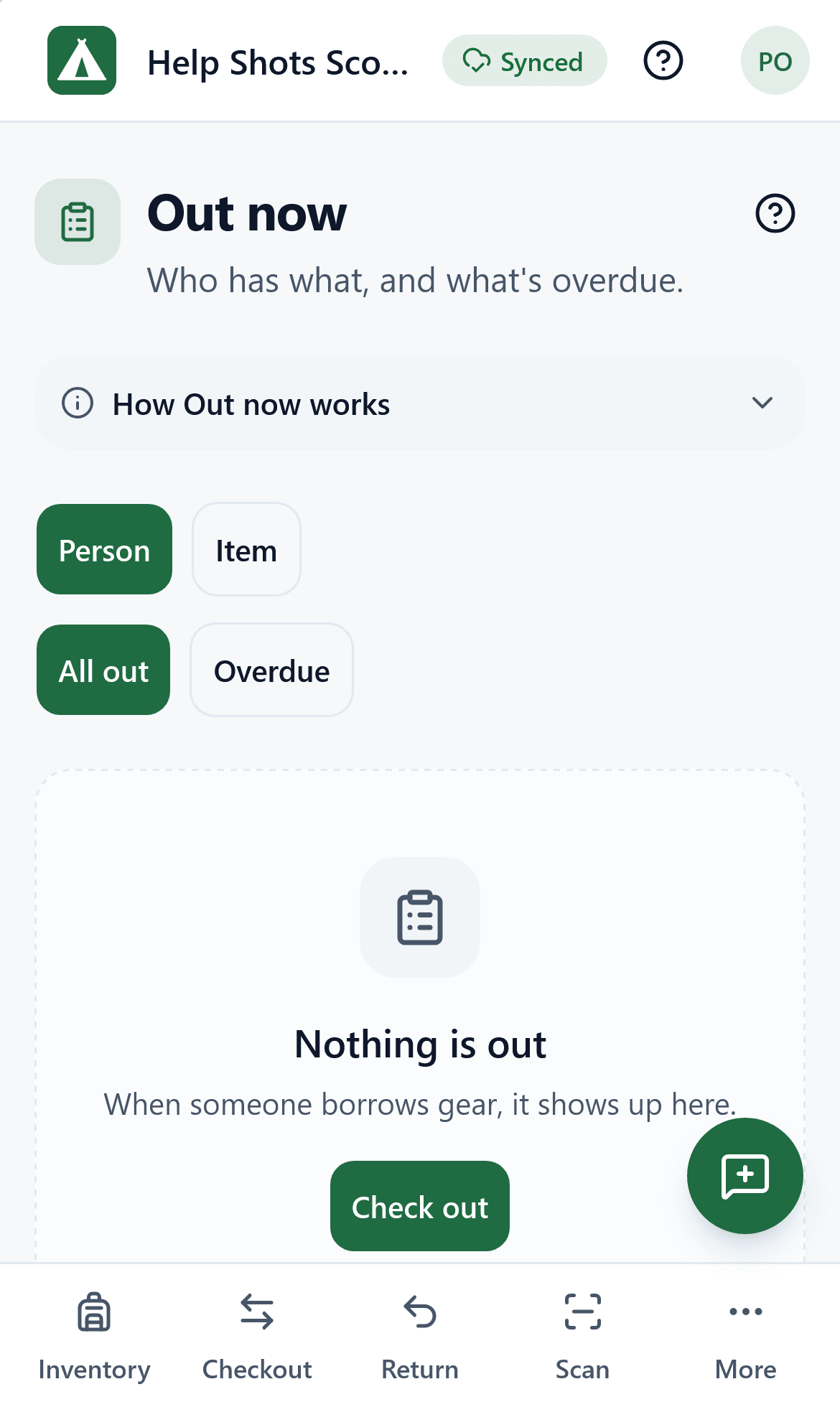
Group and filter
Group by Person or by Item. Use All out for every open loan, or Overdue for loans whose due date has passed and the item is still out. The overdue badge on the page header matches that count.
Return from the list
On a row, tap Return for one item, or Return all for everything that person still has. That opens the Return screen with the item or person already chosen.
Home at a glance
Home shows counts for Out now, Overdue, In repair and open tickets, plus quick actions for Checkout, Return and adding an item. Recent activity lists checkouts and returns from this device.
Nothing here replaces typing item numbers on Checkout and Return—those flows still work without QR codes.
Ready to try it with your own gear?
Create an account and follow the steps above with your own group. The 7-day free trial needs no card.
Create an account